Change devices, reinstall and restore purchases
When you move to a new iPhone / iPad, first check that the App Store is signed in with the Apple ID used for the original purchase. Then open App Store → Account → Purchased, find Shadowrocket and download it again. Some system versions show past purchases under Apps or My Apps; use the name shown on your account page. iPhone and iPad share one purchase when using the same Apple ID, so you don’t need to pay again to redownload a purchased app.
The pricing is unchanged: the iPhone / iPad version costs $2.99 once, while Mac, Windows, Android and Linux versions are free. If the store shows a purchase amount instead of a download icon, stop before paying and check the purchasing account, the App ID on the product page and your purchase history. Don’t confuse the device sign-in account with the account used under Media & Purchases.
Restoring the app doesn’t restore server details
While the old device is still available, keep your own subscription link and record any necessary server parameters and Config settings. Migration files may contain passwords or access credentials, so store them on a device or storage location you control. Don’t post them in public discussions. Before deleting the app from the old device, confirm whether its data can be restored.
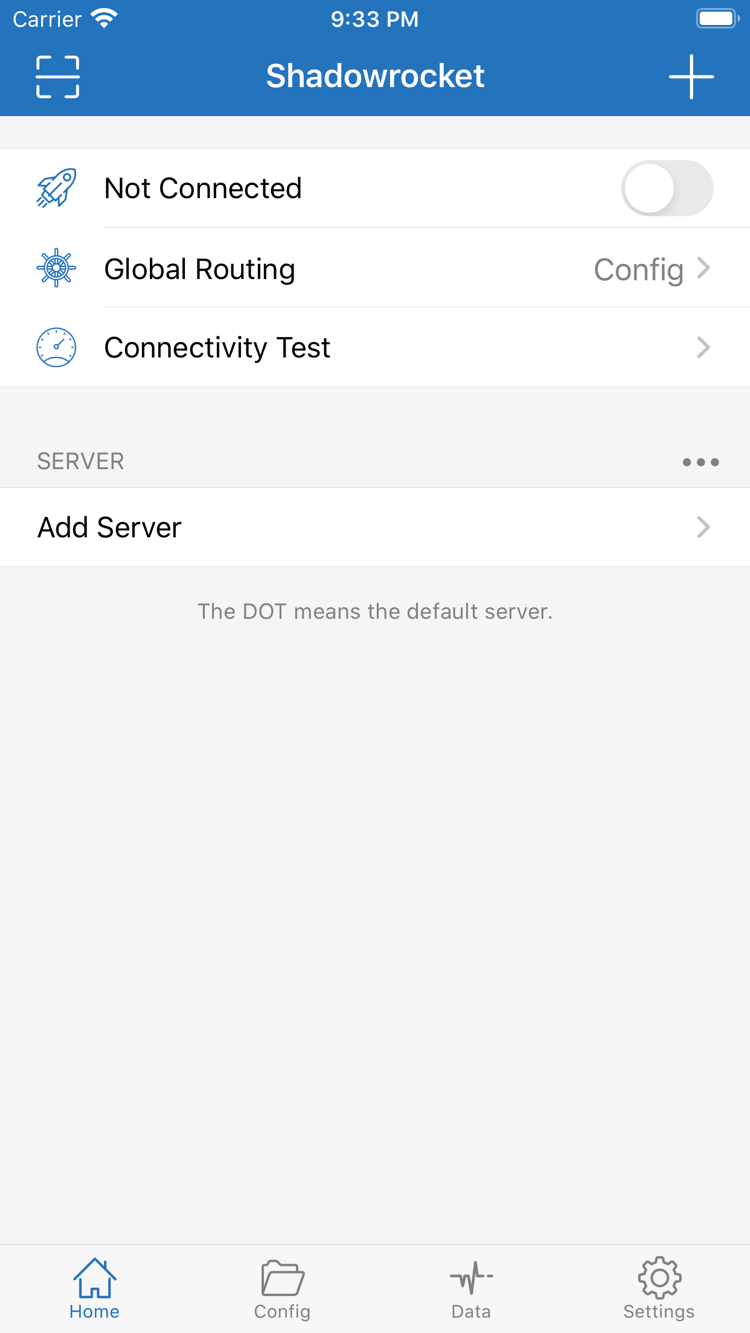
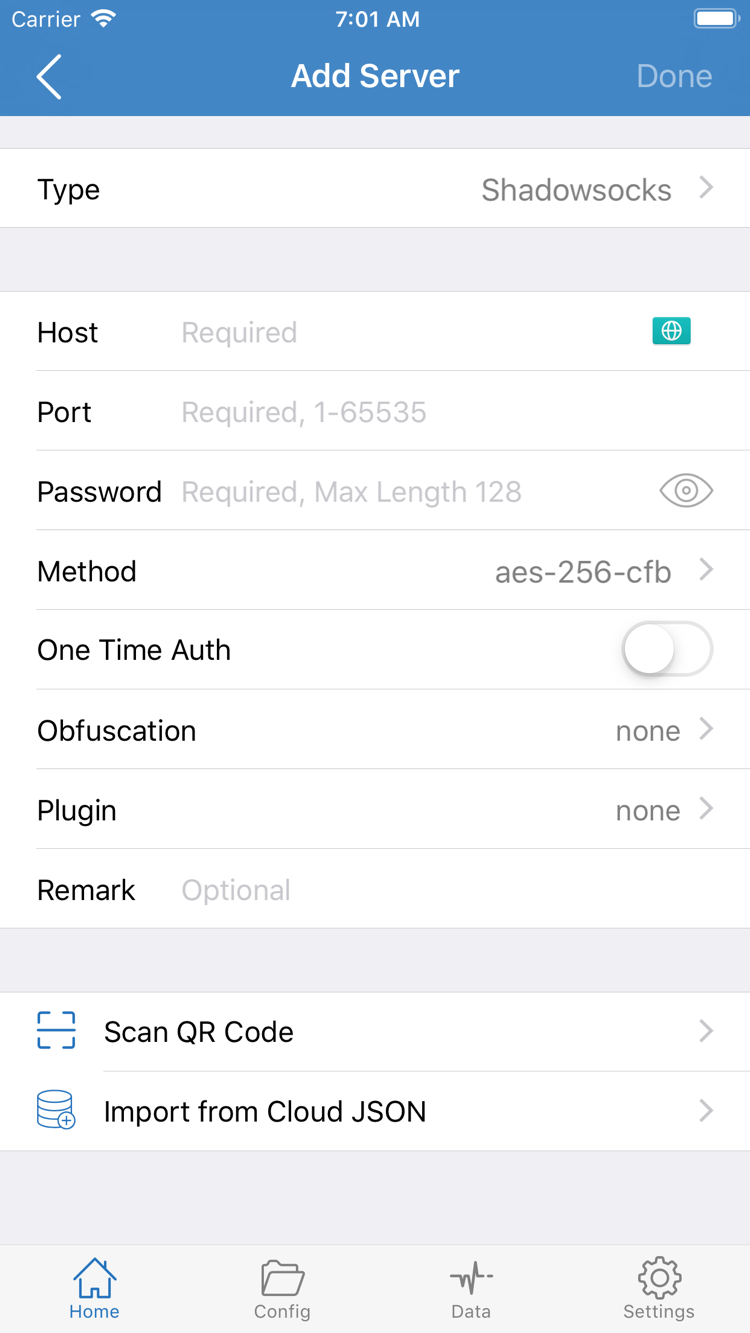
After installing on the new device, import your existing Subscribe link again or use Add Server to enter your own server details. Check the server list, selected entry and Global Routing, then try connecting. When changing computers or Android devices, download the matching free installer again; configuration migration is a separate step. See the official guide to subscriptions and server management for details.
Keep your current configuration before updating
Update the iPhone / iPad app through the App Store. For other platforms, return to this page to get the latest installer. Keep your current configuration, quit the running app, then follow the installation steps for your platform. Don’t delete all servers just because you’re updating; only clean up or reimport them after confirming your backup is usable.